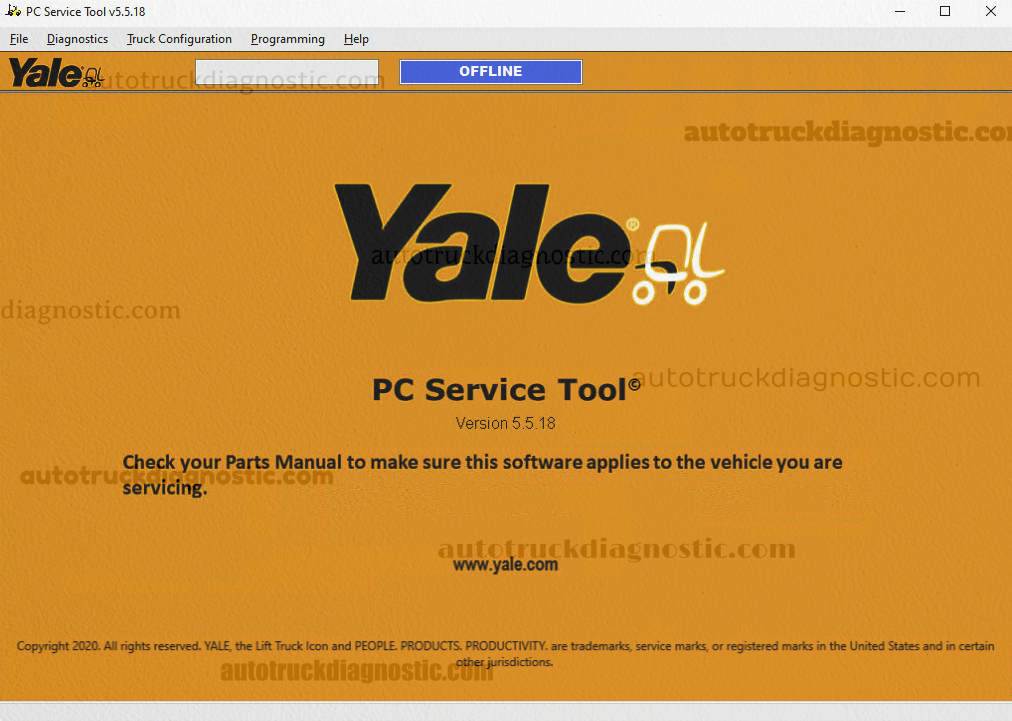
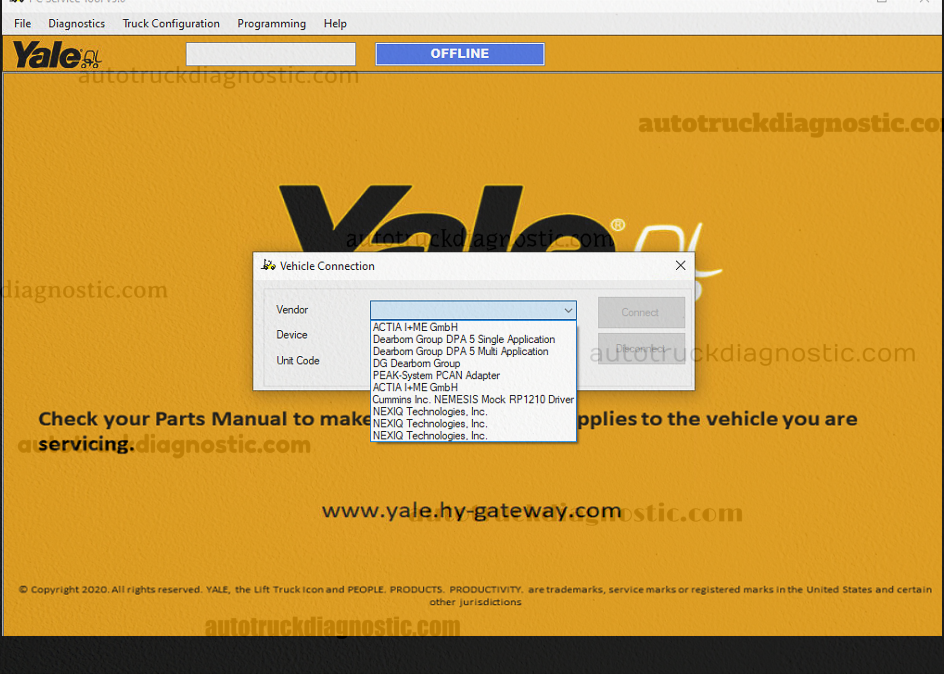



Diagnostic Menu
Diagnostic menu is intended to aid the technician in understanding the cause of problems with the truck system,
and to verify repair of these systems.It includes the following feature menus:
· Fault Monitor
This Fault Monitor window for ICE (aka 1-8 Ton) provides the following information:
Source Address (SA)
Active or Inactive status of the fault
Suspect Parameter Number (SPN)
Failure Mode Indicator (FMI)
SPN description
FMI description
Count of faults occurred
Engine Hour at first occurrence of the fault
Engine Hour at last occurrence of the fault
Note: To view the troubleshooting information associated with a specific SPN/FMI, click the relevant text in the description field. This opens the Troubleshooting Manual in the Adobe® Reader application.
· Truck Information
Using the Truck Information feature, you can identify the type of truck, serial / ID numbers, hours run and some additional features.
· Custom Data Monitor
· Strip Chart
· Diagnostic Tests
· Activity Logs
· Load Strip Chart
· Databus Viewer
· No Run Mode
Truck Programming
3rd party applications configured as Programming applications are listed under this menu.
The PC service Tool will transition to an “Off-Line” state when the user launches a programming application.