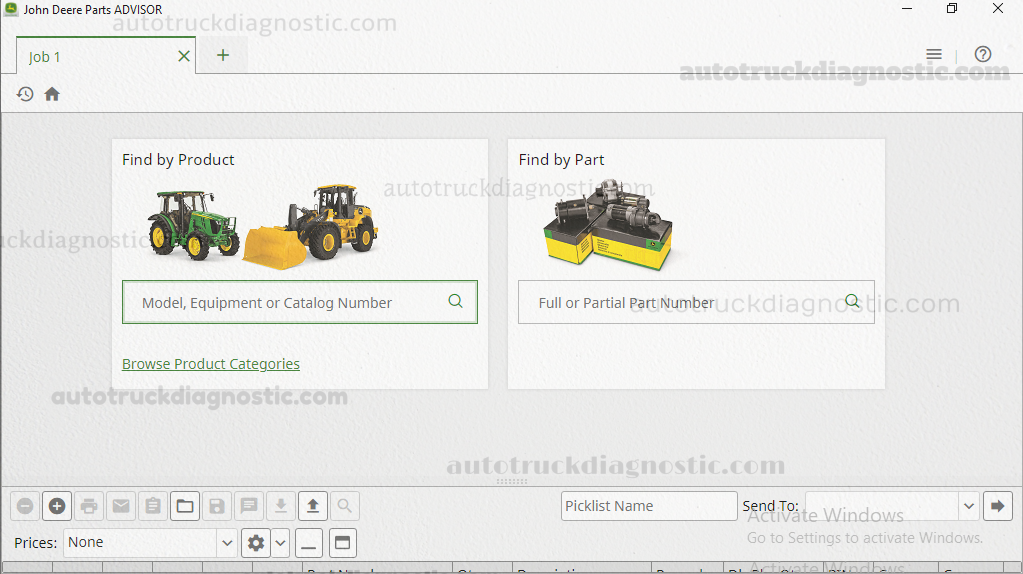



The first step of part searches is to find the correct model. Enter information about the model into the Find Model field. You can enter:
an equipment type
a model number
a combination of equipment type and model number
a Parts Catalog (PC) number
a 13 or 17 character PIN
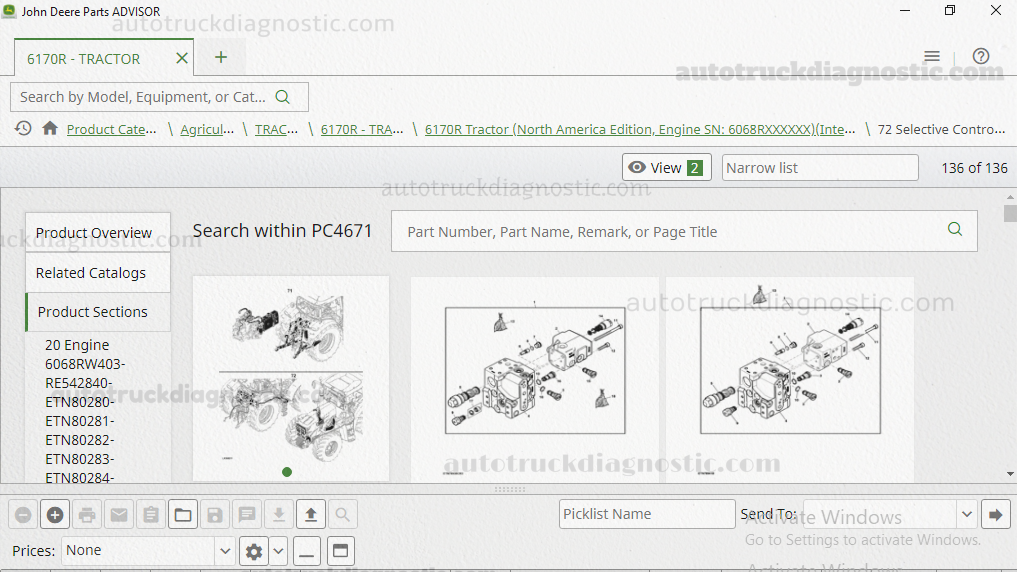
Search results for the selected model are grouped in tabs titled Part Matches and Illustration Matches. Click a tab to switch to those results. The Part Matches tab displays the part number, part description, and usage and the Illustration Matches tab displays the section and illustration title.
This catalog provides detailed information, with pictures and descriptions, that will help you quickly navigate emergency situations. It is a source of important information for users who want to improve their service and repair their own equipment.